Ask someone about VPN usage and they’ll almost always bring up phones. Airport Wi-Fi, hotel lobbies, that one sketchy cafe with the open network. Fair enough. But the funny thing is, phones aren’t where the serious damage happens.
Desktops are. And barely anyone protects them.
Your ISP Sees Everything
Here’s what catches most people off guard. The home internet connection, the one that feels private because it’s behind a router with a password, is not private at all. Comcast, AT&T, Spectrum, whoever provides the service, they can see every domain that gets visited. They log it. In the U.S., they can sell that data, too.
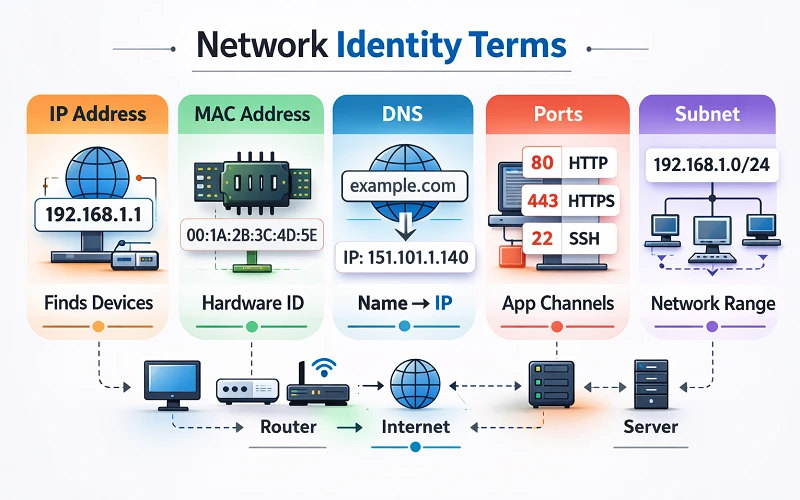
Not the actual content of pages (HTTPS takes care of that), but the DNS queries. Which sites get visited, when, how often. That alone tells a pretty complete story about someone’s life if you collect enough of it.
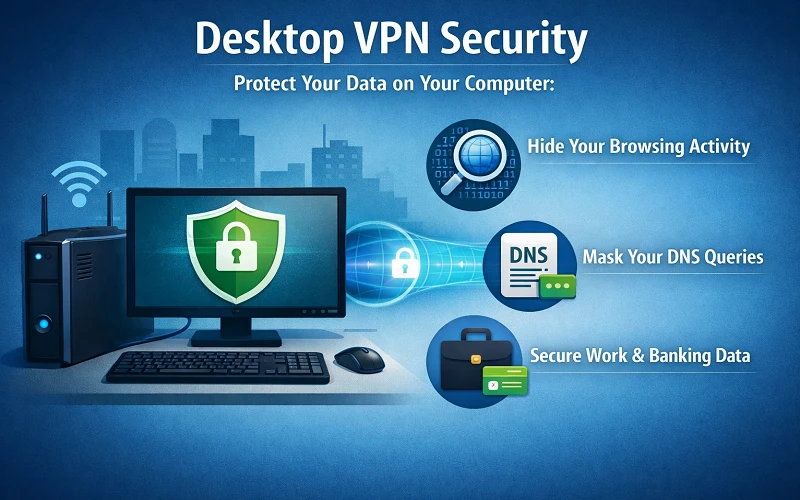
A VPN fixes this specific problem almost entirely. The ISP sees a single encrypted tunnel going to one IP address. That’s it. No domains, no timestamps per site, nothing useful.
Most people already know this on some level but still don’t bother on their desktop. Probably because the desktop feels safe sitting there on a desk at home. It’s a false sense of security, though, because the network it’s connected to is vulnerable.
macOS and Windows Don’t Cover This
Apple’s been leaning hard into privacy as a selling point, and credit where it’s due, Safari’s tracking prevention is solid. But none of that matters at the network level. macOS doesn’t encrypt DNS queries by default. The firewall only handles incoming connections. Outbound traffic from every app on the system goes out unmasked.
Grabbing a VPN download for Mac at CometVPN.com takes care of the full picture: system-wide encryption, DNS leak protection, kill switch if the connection drops. Browser extensions get close but they only cover browser traffic, and a desktop runs dozens of apps that connect independently.
Windows is a similar story with a bonus headache. Microsoft collects a lot of telemetry out of the box. Typing patterns, app usage, diagnostic data. Wikipedia’s page covering internet privacy catalogs the growing backlash against OS-level data collection pretty well. Turning telemetry settings down helps, but a VPN makes sure nobody between the computer and the destination server can read what’s being sent.
The Remote Work Angle
Corporate VPNs exist and they work fine for what they’re designed to do, which is protecting company resources. The catch is that they only protect company resources. Everything else on that same laptop (personal email, banking, shopping, whatever people do between meetings) goes through the regular home connection unencrypted.
This matters more than it used to. Before 2020, most of this activity happened on a personal device at home, separate from work. Now the work laptop IS the personal device for a lot of people, at least during the workday.
Harvard Business Review flagged this exact issue, calling employee devices the weakest point in company security setups. And the reason is straightforward: two types of traffic sharing one unprotected pipe.
Real Money at Stake
Forbes ran the numbers on cybersecurity and found 43% of cyberattacks go after small businesses and remote workers. That tracks, because these are the groups most likely to be running on consumer-grade networking equipment with default settings.
A desktop browser is basically a vault of credentials. Saved passwords, autofill card numbers, active session cookies for banking and email. On an unencrypted network, a packet sniffer like Wireshark (which is free and takes about ten minutes to learn) can pick up unencrypted traffic without much effort. A VPN doesn’t help if someone falls for a phishing email, but it completely shuts down passive network snooping.
The Speed Thing
Bring up VPNs and someone will inevitably say they slow everything down. That was true in 2018 when everyone was running OpenVPN over TCP. WireGuard changed the game here. Overhead is about 5 to 15 milliseconds on a normal broadband connection, which is nothing.
Desktop processors don’t even notice the encryption workload. A three-year-old Intel i5 handles VPN throughput at 500+ Mbps. The home internet plan is the bottleneck, not the VPN.
And if speed still feels like a concern, split tunneling exists. Route banking and email through the VPN, let game updates and big downloads go direct. Problem solved.
The Short Version
Desktops handle the most sensitive online activity most people do all week. Taxes, banking, health portals, work stuff. Running all of that on a bare connection when a VPN costs less than a month of Netflix doesn’t make a ton of sense.
It takes five minutes to set up. Probably worth doing today rather than after something goes wrong.